Microsoft Excel is by far the most popular spreadsheet editor. However, sometimes you find yourself needing to view one and you’re not on a computer that has this uber-popular software. *gasp* Perhaps you’re at the library or on a family member’s computer or like me, you have a Mac and you’re too cheap or lazy to get it on there. *ahem*
Denise asked that I participate in a special OTH (official) Podcast Monday and knowing that all the-powers-that-be listen, I wanted to sound like I half-knew what I was talking about so I really needed to view the One Tree Hill History spreadsheet I have posted on my OTH blog.
My PC currently has a virus and I have it shut down so no Office for me…but Zoho Sheet to the rescue!
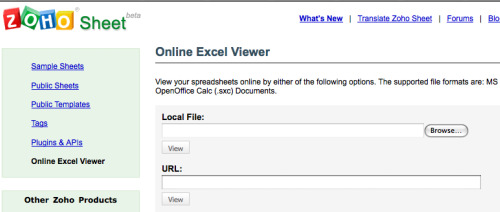
Just plug in the URL or local location.
And it spits out the spreadsheet
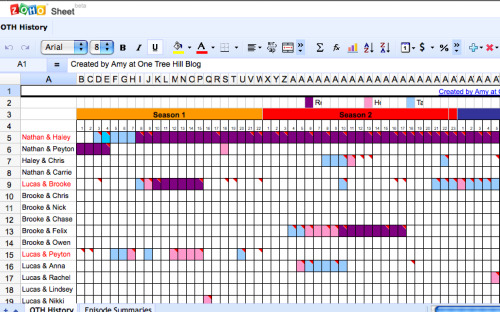
And you might notice it even has editing abilities. If you go to the main site, you can also create an account, save excel sheets and share them.
So go forth and SUM to your heart’s content at any and all computers or you know, go fangirl and create a spreadsheet about your favorite show’s power couples. *cough*
*not a paid post, hopefully just helpful